
- Best for
- Motion graphics and video projects that benefit from a mix of timeline editing and code.
- Main limitation
- AI generation, analysis and transcription need credits; Free gets 50 one-time credits, and monthly credits don't roll over.
- Free option
- Free forever · MPL-2.0
- Rights
- Commercial use
- Last checked
- 21 Nov 2026
Plans and rights
| Fact | FreeBest free option | Pro | Plus | Max |
|---|---|---|---|---|
| Price | Free | $20/month45billed annually | $35/month65billed annually | $100/month75billed annually |
| Free access | Free forever1 | No free option4 | No free option6 | No free option7 |
| Limits | 50 credits (one time); Exports up to 4K, no watermark | 2,500 credits per month | 5,000 credits per month | 15,000 credits per month |
| License | MPL-2.02 | Unknown | Unknown | Unknown |
| Commercial use | Allowed3 | Allowed3 | Allowed3 | Allowed3 |
| Checked | 21 Nov 2026 | 21 Nov 2026 | 21 Nov 2026 | 21 Nov 2026 |
Sources
Diffusion Studio is completely free and open source.
diffusion.studio · Checked 25 Nov 2026
Mozilla Public License Version 2.0
raw.githubusercontent.com · Checked 25 Nov 2026
Yes. You can use Diffusion Studio for commercial work on every plan, including Free.
diffusion.studio · Checked 25 Nov 2026
Pro $ 20 /mo
diffusion.studio · Checked 25 Nov 2026
Pay yearly and save 20% on Pro, 30% on Plus, or 33% on Max compared with monthly billing.
diffusion.studio · Checked 25 Nov 2026
Plus $ 35 /mo
diffusion.studio · Checked 25 Nov 2026
Max $ 100 /mo
diffusion.studio · Checked 25 Nov 2026
Summary of the vendor's terms as checked on the dates shown. Not legal advice; read the license before you ship. Report an inaccuracy
About Diffusion Studio
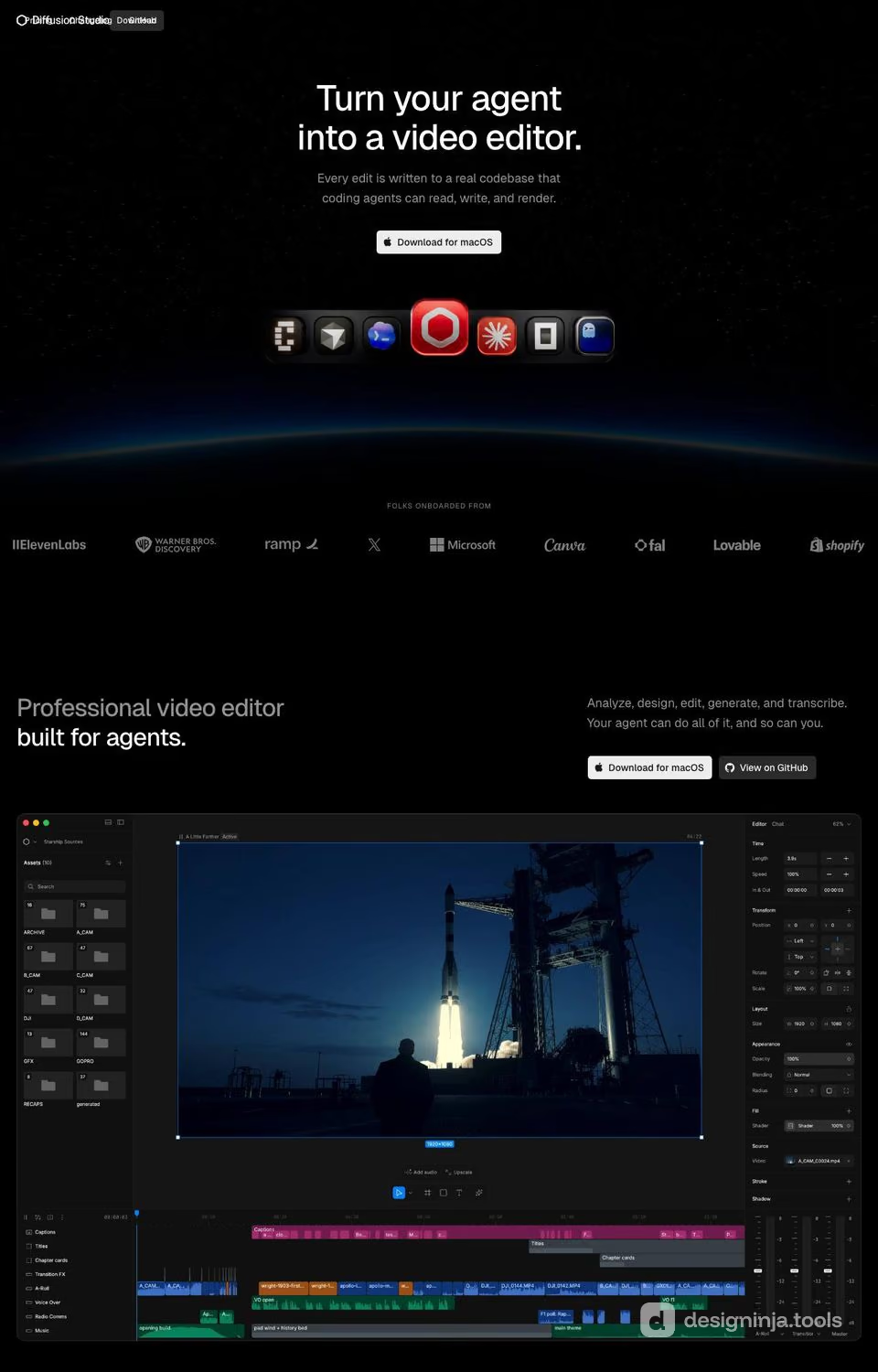
Diffusion Studio is a video editor for macOS and Windows with tools for building and arranging motion graphics. The editor, command-line interface, and agent skills give people ways to work on the same kind of video project through a visual interface or a coding agent. The hosted models cover jobs such as generating media and transcribing footage. The project can export up to 4K and the editor can keep working after a credit balance runs out.
How it compares
Diffusion Studio is a video editor for macOS and Windows with motion graphics tools, plus a command-line interface and agent skills so a coding agent can work on the same project. OpenShot, Shotcut and Kdenlive are free, open-source desktop video editors that also run on Linux, which Diffusion Studio does not list. Shotcut uses FFmpeg to handle a wide range of audio and video formats and frame rates, OpenShot aims to make common timeline tasks accessible, and Kdenlive is the KDE project's non-linear editor. None of them describes agent skills or a command-line interface, so choose Diffusion Studio if you want to hand editing work to a coding agent.
- Platform
- macOS · Windows
Questions
Is Diffusion Studio free?
Yes. The Free plan is free forever, and paid plans are also available.
Can I use Diffusion Studio for commercial projects?
Yes, on the Free plan, according to the vendor's terms as checked on 21 Nov 2026.
Alternatives
More design tools- CSS StudioVisual website editing connected to a coding agentFree plan + paid.Check rights on profile
- DaVinci ResolveVideo editing, grading, effects, and audio finishingFree plan + paid.Check rights on profile
- Final Cut ProProfessional video editor for Mac and iPadFree trial, then paid.Check rights on profile
- BrandBirdScreenshot editor for promotional and product graphicsFree plan + paid.Check rights on profile
- DosmosDesktop visual editing and code handoffFree.Commercial use