- Best for
- Product screenshots for release notes, newsletters, landing pages, and social posts that need callouts or mockup frames.
- Main limitation
- Premium backgrounds and advanced export options are reserved for the paid tier.
- Free option
- Free forever · Unknown
- Rights
- Check the plans below
- Last checked
- 21 Nov 2026
Plans and rights
| Fact | FreeBest free option | Pro | Lifetime | Enterprise |
|---|---|---|---|---|
| Price | Free | $15/month2 | $3483 | Contact sales |
| Free access | Free forever1 | No free option2 | No free option3 | Unknown |
| License | Unknown | Unknown | Unknown | Unknown |
| Commercial use | Unknown | Unknown | Unknown | Unknown |
| Output restrictions | Not applicable | Review AI-generated outputs before using or publishing them. | Review AI-generated outputs before using or publishing them. | Not applicable |
| Checked | 21 Nov 2026 | 21 Nov 2026 | 21 Nov 2026 | 21 Nov 2026 |
Sources
BrandBird Studio offers a free tier with core editing features.
brandbird.app · Checked 25 Nov 2026
Pro $ 15 Per month .
brandbird.app · Checked 25 Nov 2026
$348 One-time payment.
brandbird.app · Checked 25 Nov 2026
Summary of the vendor's terms as checked on the dates shown. Not legal advice; read the license before you ship. Report an inaccuracy
About BrandBird
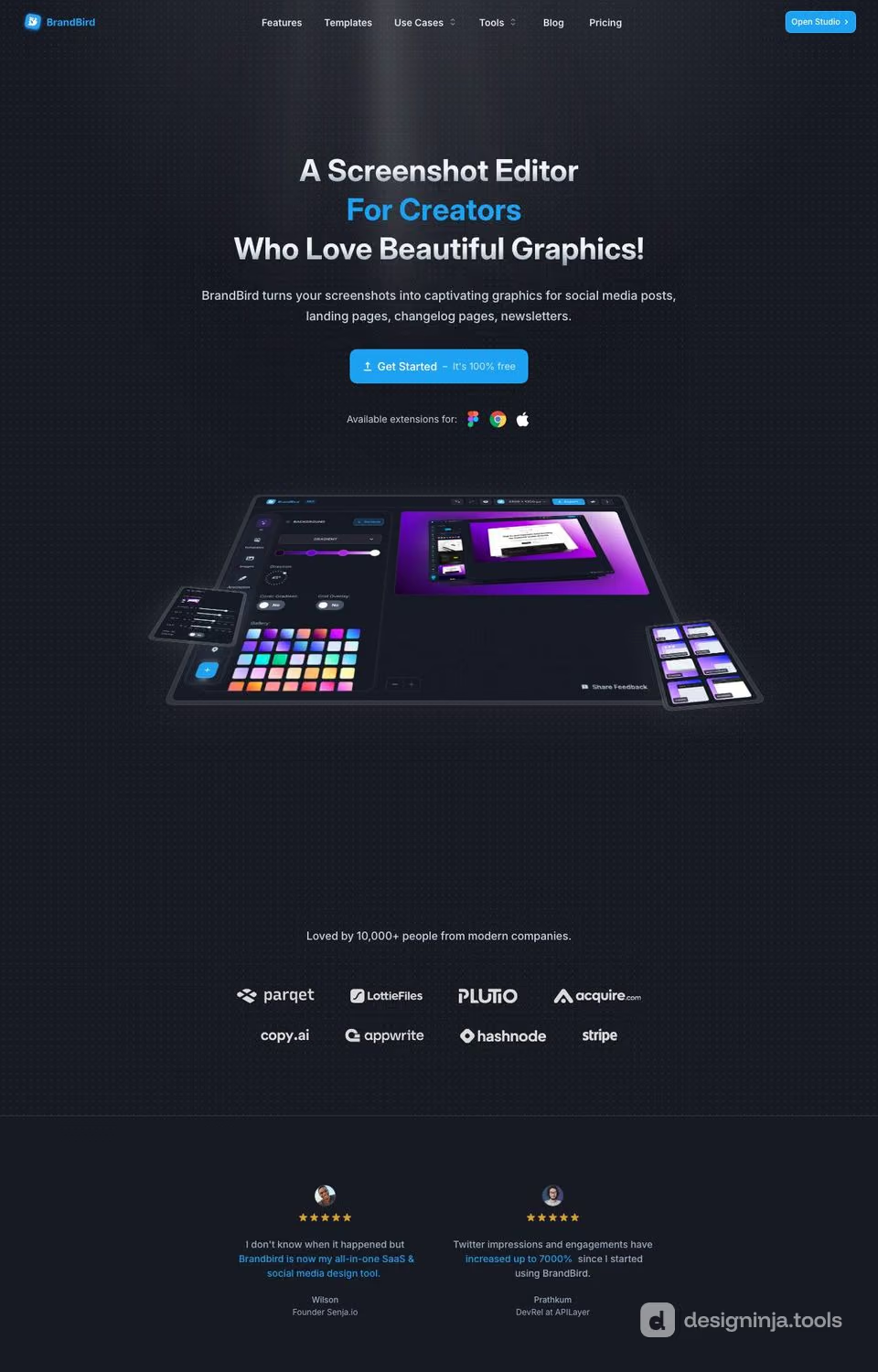
BrandBird is a browser editor from Brandflow that turns screenshots into graphics for marketing or product communication. People can add backgrounds, shadows, device frames, and annotations, or change an image’s perspective before exporting it. The editor also offers presets for social dimensions and tools for highlighting interface details or blurring sensitive areas. Brand kits help users keep repeated choices together. The service can be used to prepare visuals for a release note, product page, newsletter, or social post, and supports capture through companion tools.
How it compares
PostSpark is a browser editor offering backgrounds, browser frames, text, arrows and blur, with unlimited still exports on its free plan; higher-resolution stills and video export are Pro. Screenshot Studio covers annotation, blur, backgrounds and device or browser frames, and adds editors for code snippets and App Store screenshots. BrandBird covers the same core job with device frames, perspective changes and social-size presets, plus brand kits, and has a free plan; premium backgrounds and advanced exports are paid. Choose BrandBird for brand-kit consistency and perspective tools, PostSpark if you need video export, and Screenshot Studio for code snippets or store screenshots.
- Platform
- Web
Questions
Is BrandBird free?
Yes. The Free plan is free forever, and paid plans are also available.
Can I use BrandBird for commercial projects?
We couldn't confirm this recently for the Free plan, so check the vendor's license before you ship.
Alternatives
More design tools- Bento CraftBento-grid graphics for app and product launchesPaid.Check rights on profile
- Diffusion StudioDesktop video editor with coding agent supportFree plan + paid.Commercial use
- Better ShotMac screenshots, recording, annotation, and sharingFree.Commercial use
- Design ToolkitInspect and copy website layouts from ChromeFree trial, then paid.Check rights on profile
- FrameSketchAnnotate and draw over video framesFree.Check rights on profile