
- Best for
- Designers and developers reviewing a local site and handing off changes with the corresponding source context.
- Main limitation
- Has no built-in AI; you must install a command-line coding agent such as Claude Code or Codex yourself.
- Free option
- Free forever · MIT
- Rights
- Commercial use
- Last checked
- 21 Nov 2026
Plans and rights
| Fact | Dosmos desktop appBest free option |
|---|---|
| Price | Free |
| Free access | Free forever1 |
| License | MIT2 |
| Commercial use | Allowed3 |
| Checked | 21 Nov 2026 |
Sources
Dosmos is free and open source. There is no account, no subscription, and no paid tier
dosmos.app · Checked 25 Nov 2026
MIT License
raw.githubusercontent.com · Checked 25 Nov 2026
in the Software without restriction, including without limitation the rights to use, copy, modify, merge, publish, distribute, sublicense, and/or sell copies of the Software
MIT notice conditions apply.
raw.githubusercontent.com · Checked 25 Nov 2026
Summary of the vendor's terms as checked on the dates shown. Not legal advice; read the license before you ship. Report an inaccuracy
About Dosmos
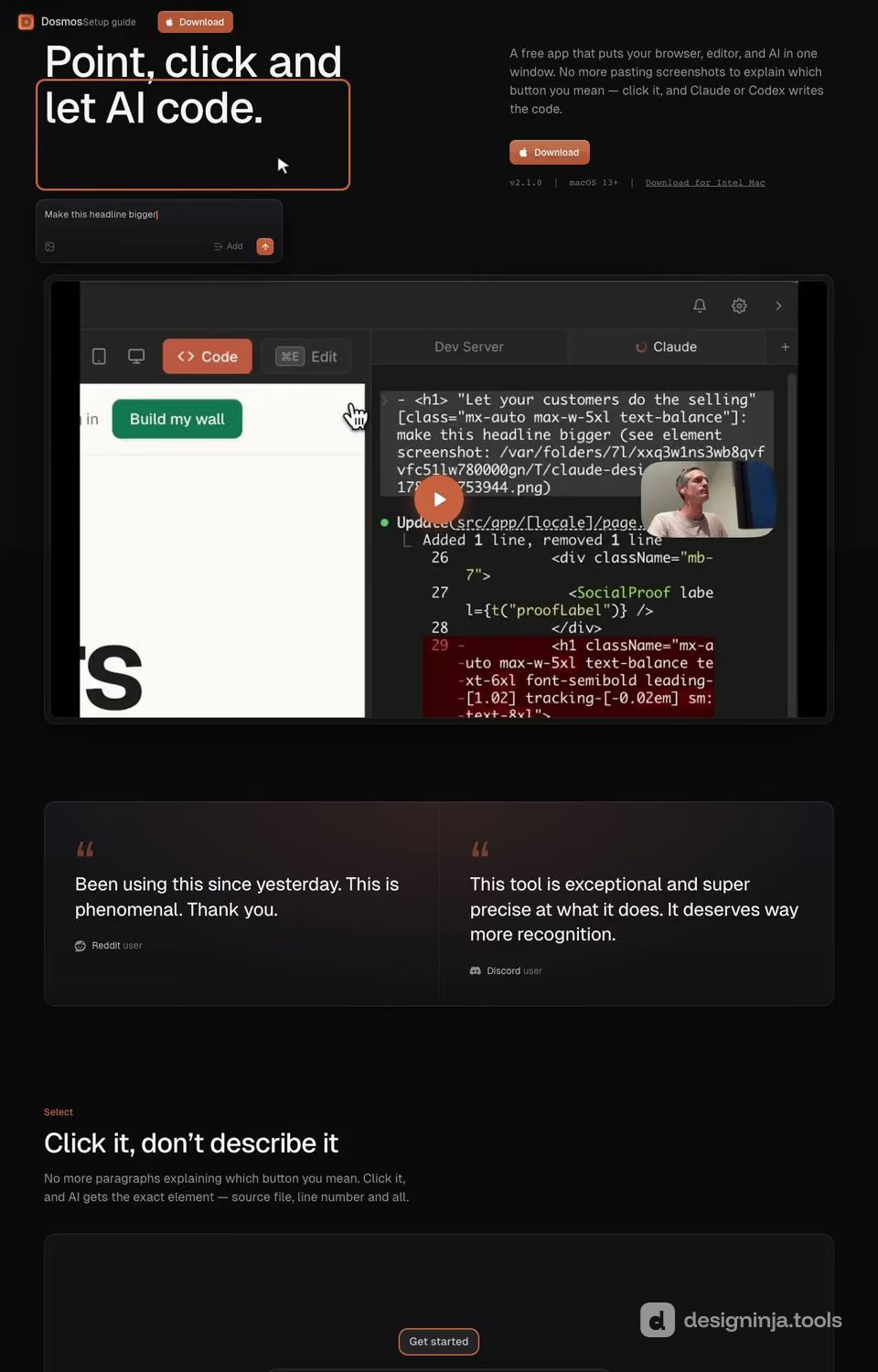
Dosmos combines a browser, code editor, and terminal in a desktop app for website work. Open a running project, select a part of the page, and send context about it to your coding agent. The app can connect the element to its place in the source project, which helps keep visual feedback attached to the code that needs changing. It also offers controls for trying different viewport sizes and reviewing changes as you work. Designers can use it alongside a developer's existing local workflow.
How it compares
Airship is also MIT-licensed and connects visual editing to a locally running web project: it runs as a reverse proxy in front of your dev server, shows desktop, tablet and mobile viewports on a canvas, and is started from the command line. Dosmos instead packages a browser, code editor, terminal and Chrome DevTools in one desktop app for Mac and Windows, which suits people who would rather not work from a terminal. Overlay Studio takes a different route, placing a design canvas inside VS Code, Cursor or Windsurf that uses the project's React components, so it fits teams exploring layouts from existing components rather than editing a running site.
- Platform
- macOS · Windows
Questions
Is Dosmos free?
Yes. The Dosmos desktop app plan is free forever.
Can I use Dosmos for commercial projects?
Yes, on the Dosmos desktop app plan, according to the vendor's terms as checked on 21 Nov 2026.
Alternatives
More design tools- EditUIBrowser-based visual UI review and feedback handoffFree.Check rights on profile
- AirshipVisual feedback and editing for local websitesFree.Commercial use
- CSS StudioVisual website editing connected to a coding agentFree plan + paid.Check rights on profile
- Diffusion StudioDesktop video editor with coding agent supportFree plan + paid.Commercial use
- DetailsProSwiftUI mockup design and code exportFree plan + paid.No commercial use