
- Best for
- Product demos where the viewer needs to follow small clicks and interface changes.
- Main limitation
- The free extension is restricted to noncommercial use.
- Free option
- Free forever · Unknown
- Rights
- No commercial use
- Last checked
- 21 Nov 2026
Plans and rights
| Fact | FreeBest free option | Pro |
|---|---|---|
| Price | Free | $1193per seat, one-time payment |
| Free access | Free forever1 | No free option3 |
| Limits | Browser recording only (Chrome, Edge, Brave) | 1 user, desktop apps on 2 devices; 15 GB shared cloud storage |
| License | Unknown | Unknown |
| Commercial use | Not allowed2 | Allowed4 |
| Checked | 21 Nov 2026 | 21 Nov 2026 |
Sources
Cursorful Free $0 forever
cursorful.com · Checked 25 Nov 2026
Record the browser, auto-zoom, edit and export. Free for non-commercial use.
cursorful.com · Checked 25 Nov 2026
Cursorful Pro $119 $79 $40 off — V2 launch
cursorful.com · Checked 25 Nov 2026
Commercial use (1 user)
cursorful.com · Checked 25 Nov 2026
Summary of the vendor's terms as checked on the dates shown. Not legal advice; read the license before you ship. Report an inaccuracy
About Cursorful
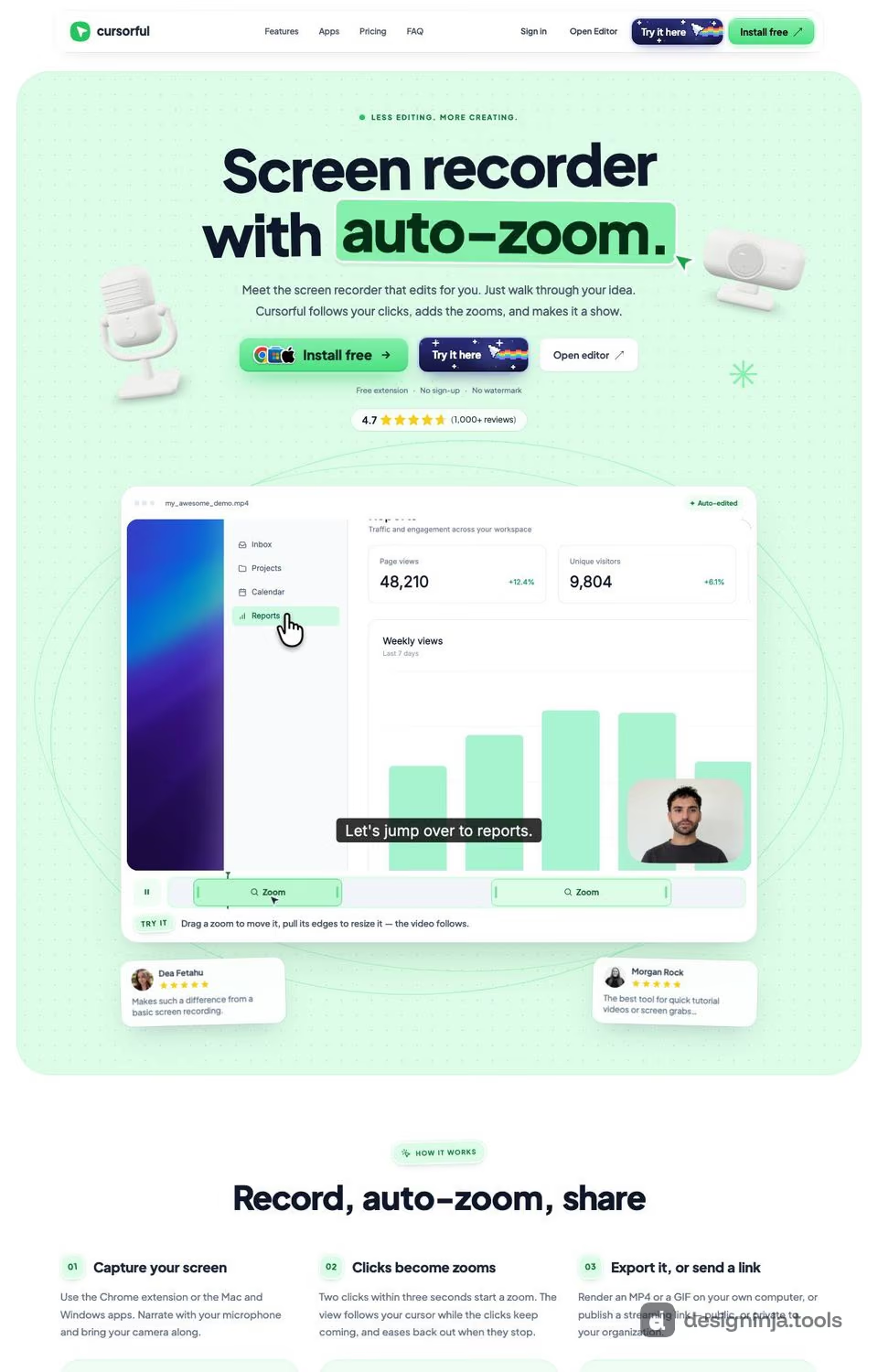
Cursorful records product walkthroughs and adds automatic zooms that follow your clicks. A free extension records the browser in Chrome, Edge and Brave on macOS, Windows and Linux, while Pro desktop apps for Mac and Windows record any app with a redrawn cursor. Both open the same editor, where zooms, speed, camera and blur are segments on one timeline. You can narrate with local noise removal, dock a camera bubble, and export up to 4K with rendering done on your device. Optional cloud projects allow link sharing and real-time editing with teammates.
How it compares
Focusee is a Windows and Mac recorder and editor with zooms, cursor styling and AI-assisted editing, but it costs 24.99 USD monthly after a trial that allows one export. Recordly is open source under AGPL-3.0 and exports MP4 or GIF, with zoom, cursor motion and annotations on a timeline, though capture features vary by platform. Motion is Windows-only, with a free plan that adds a small watermark and Premium at 6 USD monthly billed yearly. Cursorful adds a browser extension for Chrome, Edge and Brave, but its free extension is noncommercial only.
- Platform
- Web · macOS · Windows · Linux
Questions
Is Cursorful free?
Yes. The Free plan is free forever, and paid plans are also available.
Can I use Cursorful for commercial projects?
No, not on the Free plan, according to the vendor's terms as checked on 21 Nov 2026.
Alternatives
More design tools- Better ShotMac screenshots, recording, annotation, and sharingFree.Commercial use
- Final Cut ProProfessional video editor for Mac and iPadFree trial, then paid.Check rights on profile
- DaVinci ResolveVideo editing, grading, effects, and audio finishingFree plan + paid.Check rights on profile
- Diffusion StudioDesktop video editor with coding agent supportFree plan + paid.Commercial use
- CluesoSoftware training videos and product walkthroughsFree plan + paid.Check rights on profile