
- Best for
- Customer education and internal training that need a repeatable workflow for producing and updating software walkthrough videos.
- Main limitation
- Free exports are watermarked and capped at 10 minutes a month; Solo allows 3 export hours a year.
- Free option
- Free forever · Unknown
- Rights
- Check the plans below
- Last checked
- 21 Nov 2026
Plans and rights
| Fact | FreeBest free option | Solo | Business | Enterprise |
|---|---|---|---|---|
| Price | Free | $40/month2billed yearly | $120/month3billed yearly | Contact sales4 |
| Free access | Free forever1 | No free option2 | No free option3 | Unknown |
| License | Unknown | Unknown | Unknown | Unknown |
| Commercial use | Unknown | Unknown | Unknown | Unknown |
| Output restrictions | Free exports carry a watermark and are capped at ten minutes of video a month. | Not applicable | Not applicable | Not applicable |
| Checked | 21 Nov 2026 | 21 Nov 2026 | 21 Nov 2026 | 21 Nov 2026 |
Sources
Free For exploring around and evaluating $ 0 /mo Free for Everyone
clueso.io · Checked 25 Nov 2026
Solo Everything you need for yourself $ 40 /mo Billed Yearly
clueso.io · Checked 25 Nov 2026
Business Power up your whole team $ 120 /mo Billed Yearly
clueso.io · Checked 25 Nov 2026
Enterprise Custom
clueso.io · Checked 25 Nov 2026
Summary of the vendor's terms as checked on the dates shown. Not legal advice; read the license before you ship. Report an inaccuracy
About Clueso
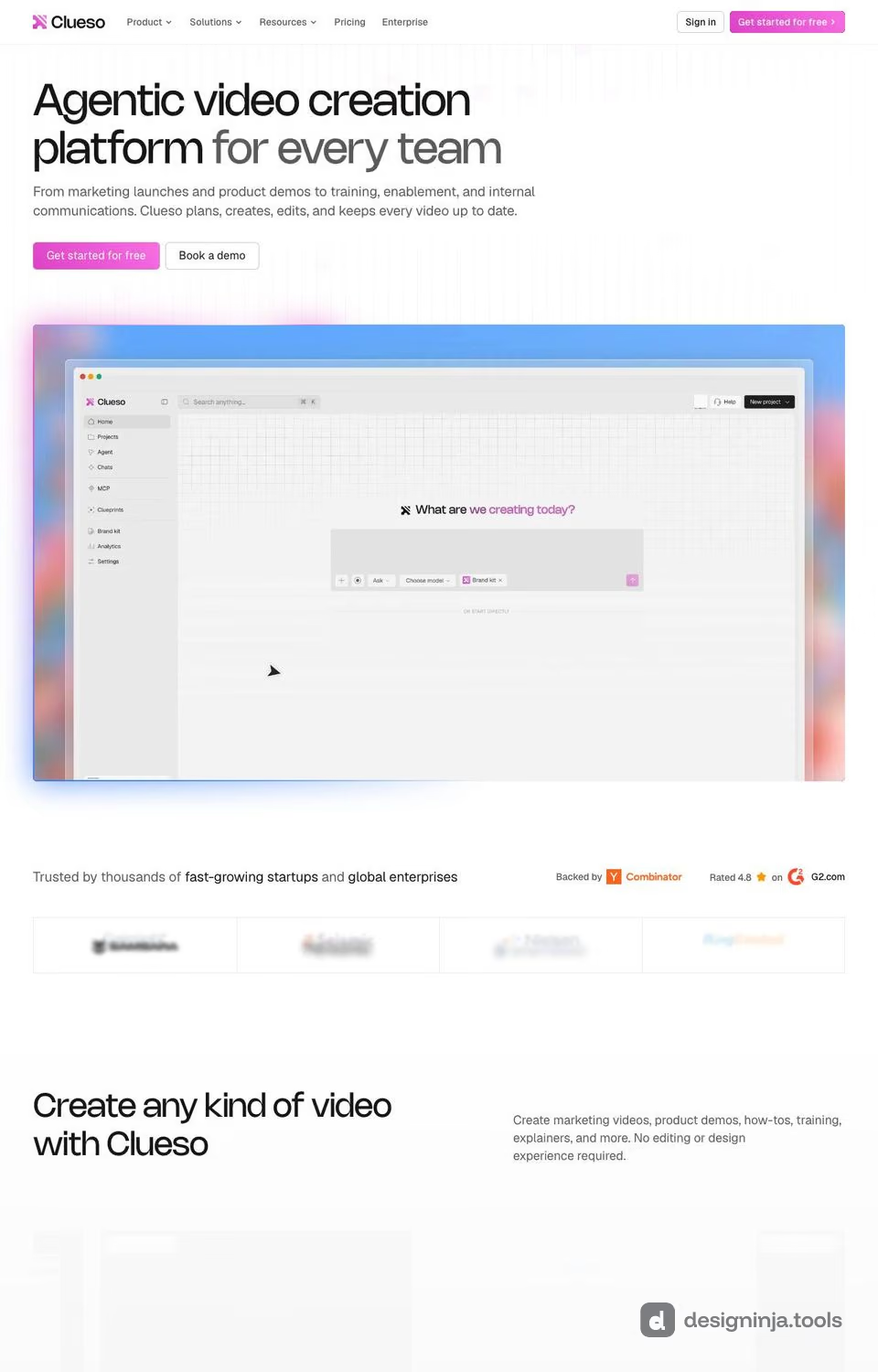
Clueso helps teams create videos that explain how a product or process works. A user can start from a screen recording, generate a script or voiceover, and refine the result before export. Editing and localization features are designed for updating a video as an interface or training requirement changes. The Clueso team maintains the browser workspace for groups such as customer education, enablement, and product operations. It suits training workflows that need reusable video assets for software steps that people have to follow.
How it compares
FocuSee and Recast both record and polish screen footage, while Clueso starts from a recording and adds script or voiceover generation and localization for videos that must change with an interface. FocuSee runs on Windows and Mac, adds zooms and cursor styling, and starts at 24.99 USD a month with a trial. Recast offers a free local desktop editor on macOS, Windows and Linux, plus a Cloud Pro plan at 12 USD a month. Clueso's Free plan exports up to ten watermarked minutes a month, with paid plans from 40 USD a month billed yearly.
- Platform
- Web
Questions
Is Clueso free?
Yes. The Free plan is free forever, and paid plans are also available.
Can I use Clueso for commercial projects?
We couldn't confirm this recently for the Free plan, so check the vendor's license before you ship.
Alternatives
More design tools- CursorfulScreen recording with automatic cursor zoomFree plan + paid.No commercial use
- ChroniclePresentation decks with AI generation and editingFree plan + paid.Check rights on profile
- Diffusion StudioDesktop video editor with coding agent supportFree plan + paid.Commercial use
- Ascii StudioImage and video conversion into ASCII framesFree.Commercial use
- Final Cut ProProfessional video editor for Mac and iPadFree trial, then paid.Check rights on profile