
- Best for
- Interaction designers exploring how gestures, transitions, and feedback feel on a real device before an app is built.
- Main limitation
- Editing requires a Mac, while the iOS version is a viewer for testing and review.
- Free option
- Free trial, 14 days, then paid
- Rights
- Check the plans below
- Last checked
- 21 Nov 2026
Plans and rights
| Fact | Flinto for MacMain plan |
|---|---|
| Price | $9912includes one year of free updates |
| Free access | Free trial, 14 days3 |
| License | Unknown |
| Commercial use | Unknown |
| Checked | 21 Nov 2026 |
Sources
Buy Flinto Price (USD) $ 99.00
flinto.com · Checked 25 Nov 2026
After your license expires, your access is never revoked and you can still use Flinto.
flinto.com · Checked 25 Nov 2026
Try Flinto, free for 14 days
flinto.com · Checked 25 Nov 2026
Summary of the vendor's terms as checked on the dates shown. Not legal advice; read the license before you ship. Report an inaccuracy
About Flinto
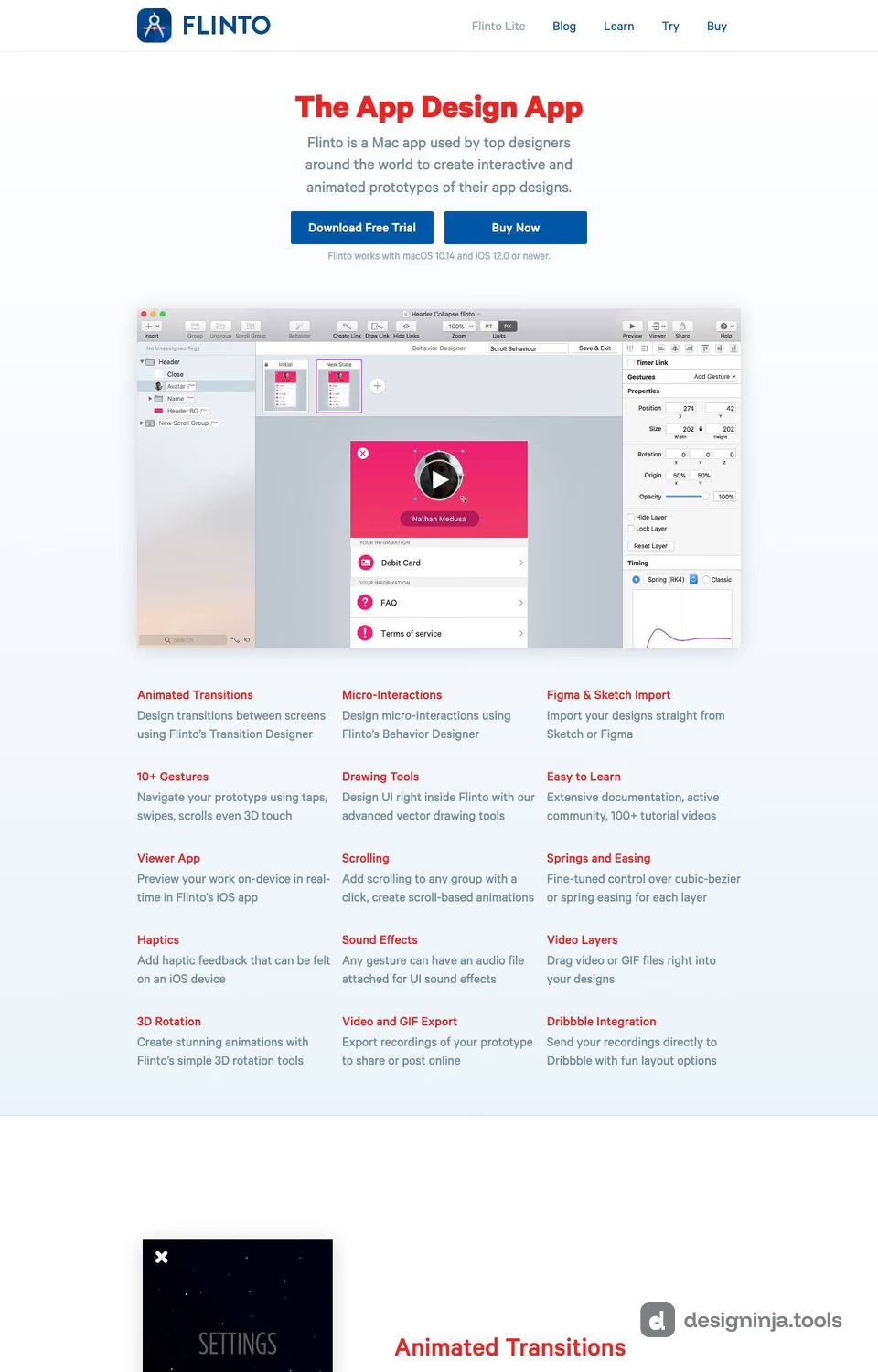
Flinto for Mac lets designers build interactive prototypes from app screens and see how transitions feel. A Transition Designer animates changes between screens and a Behavior Designer handles micro-interactions within a screen, such as buttons, switches and scroll-based animation. It supports more than ten gestures, springs and easing, haptics, sound effects, video layers and its own vector drawing tools. Designs can be imported from Figma or Sketch, and prototypes can be exported as video or GIF recordings. An iOS viewer app previews the prototype on a device, and Flinto files can be sent to anyone with the viewer or the Mac app.
How it compares
Flinto for Mac costs 99 USD once with a 14-day trial, imports from Figma and Sketch, and edits only on Mac. Principle is also a native Mac app, at 129 USD once per computer with a trial, focused on animated, interactive interfaces. Origami Studio is Meta's free Mac app with a patch editor for visual logic, so it suits more complex behavior. Drama is a Mac editor that adds 3D layers and an iPhone and iPad viewer. Choose Flinto over Principle for the lower price, and Origami Studio for free, logic-heavy prototypes.
- Platform
- macOS · iOS
Questions
Is Flinto free?
Flinto has a 14-day free trial; after that it is paid ($99, includes one year of free updates).
Can I use Flinto for commercial projects?
We couldn't confirm this recently for the Flinto for Mac plan, so check the vendor's license before you ship.
Alternatives
More design tools- Final Cut ProProfessional video editor for Mac and iPadFree trial, then paid.Check rights on profile
- Better ShotMac screenshots, recording, annotation, and sharingFree.Commercial use
- DessnCanvas for designing and prototyping on real product codeFree plan + paid.Commercial use
- CursorfulScreen recording with automatic cursor zoomFree plan + paid.No commercial use
- Frame0Hand-drawn wireframes for desktop prototypingFree plan + paid.Commercial use