
Font Tester
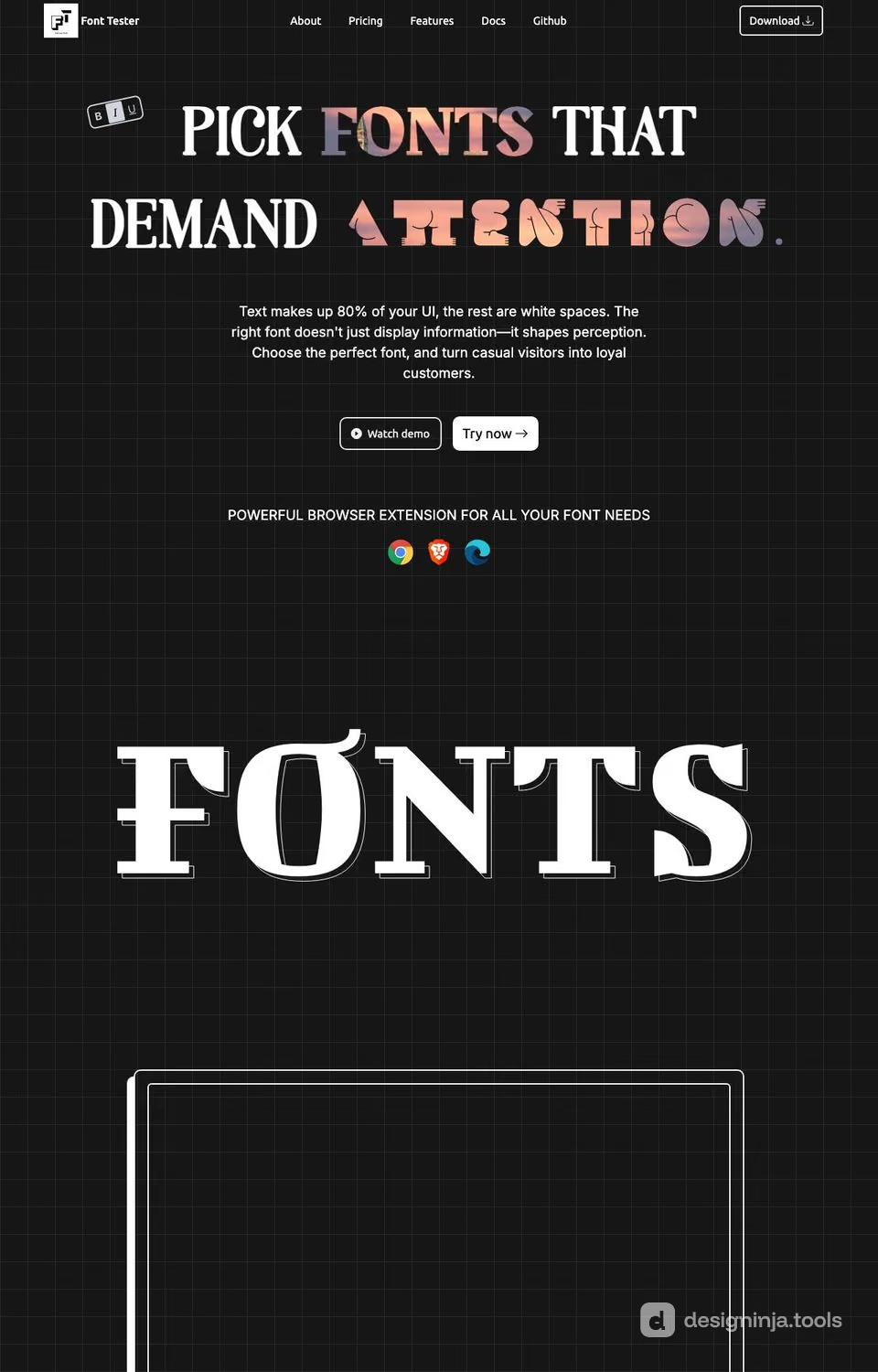
Browser extension for previewing fonts on live webpages.
- Free plan + paid
- Unknown
- Typography
- Best for
- Designers and developers choosing web fonts who want to preview them on a live site instead of a mockup.
- Main limitation
- Chromium browsers only for now; custom font upload and side-by-side comparison require the paid Pro plan.
- Free option
- Free forever · Unknown
- Rights
- Check the plans below
- Last checked
- 21 Nov 2026
Plans and rights
| Fact | FreeBest free option | Pro (lifetime) |
|---|---|---|
| Price | Free | $293activate up to 3 devices |
| Free access | Free forever12 | No free option3 |
| Limits | Custom font upload, side-by-side comparison and dark mode are listed only under Pro; Commercial use appears only in the Pro feature list | Not applicable |
| License | Unknown | Unknown |
| Commercial use | Unknown | Allowed4 |
| Visible credit | Unknown | Unknown |
| License notice | Unknown | Unknown |
| Desktop use | Unknown | Unknown |
| Web embedding | Unknown | Unknown |
| App embedding | Unknown | Unknown |
| Use in a logo | Unknown | Unknown |
| Modification | Unknown | Unknown |
| Checked | 21 Nov 2026 | 21 Nov 2026 |
Sources
Simple features, for pro features and to support open-source development, get a lifetime license.
font-tester.foxcraft.tech · Checked 25 Nov 2026
the chrome extension is free to use forever
font-tester.foxcraft.tech · Checked 25 Nov 2026
$29 $19
font-tester.foxcraft.tech · Checked 25 Nov 2026
Commercial use
font-tester.foxcraft.tech · Checked 25 Nov 2026
Summary of the vendor's terms as checked on the dates shown. Not legal advice; read the license before you ship. Report an inaccuracy
About Font Tester
Font Tester is a Chromium browser extension for trying fonts on a real website before committing to them. You highlight text on any page and pick a typeface from a dropdown to see the change in place. It ships with more than 1,500 Google Fonts, can find the font family used on a page, and generates CSS for the font you choose. Paid features add uploading your own font files, side-by-side comparison of several fonts, and spacing and color adjustments. Uploaded fonts stay on the local machine. Firefox and Safari versions are planned. The site links to a GitHub repository.
How it compares
Font Tester applies fonts to the text of a live website, so you judge a typeface in its real layout. Font Mojo is a free browser app that previews a line of text across your installed fonts and Google Fonts; it is quicker for scanning many fonts but does not show them on your own pages. Fonts Ninja offers a browser extension that identifies the fonts used on web pages and an index that links out to foundries, so it helps you find a typeface rather than test one in place.
Questions
Is Font Tester free?
Yes. The Free plan is free forever, and paid plans are also available.
Can I use Font Tester for commercial projects?
We couldn't confirm this recently for the Free plan, so check the vendor's license before you ship.
Do I need to credit Font Tester?
We couldn't confirm this recently for the Free plan, so check the vendor's license before you ship.
Alternatives
More typefaces- Font MojoBrowser app for previewing and comparing fontsFree.Check rights on profile
- FontBaseDesktop font manager for Mac, Windows and LinuxFree plan + paid.Check rights on profile
- DaFontFree font download site with 100,000+ fontsFree.Check rights on profile
- FontPlopBrowser font viewer, converters and text-style generatorsFree.Check rights on profile
- MyFontsOnline marketplace for buying commercial fontsFree.Check rights on profile